Overview
The Inventory → Material Handler submodule is the core of the DASH Inventory module. It enables warehouse staff and operations teams to manage the movement, replenishment, and auditing of materials across storage areas and production zones. This tool is essential for maintaining production efficiency, reducing stockouts or overages, and ensuring accountability for all material movements in the warehouse.How License Plates Work
A license plate is a unique identifier (typically a barcoded integer) assigned to a container, pallet, or grouping of materials. Instead of tracking individual items separately, the system associates all items within that license plate to a single record. This lets you:- Move, count, or adjust materials in bulk.
- Maintain full traceability, since all transactions tied to that plate are logged.
- Support flexible actions like moving, merging, or adjusting plate quantities while keeping detailed history for audits.
What You Can Do
Material Handling
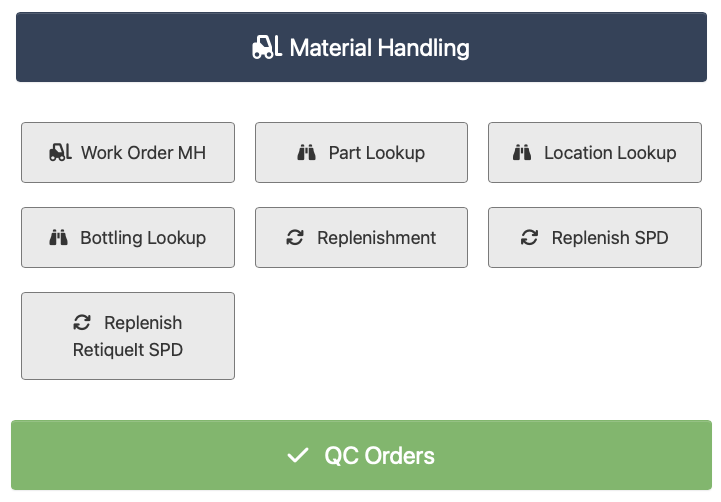
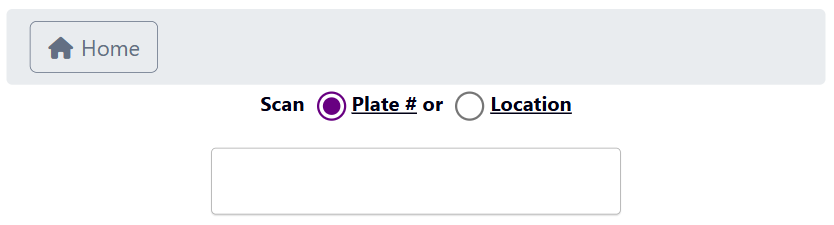
The Material Handling feature lets you manage license plate information. ClickMaterial Handling, enter a license plate or location code, then manage the associated license plate. You can merge and update quantities, move its location, and delete it altogether from your inventory.
Work Order MH
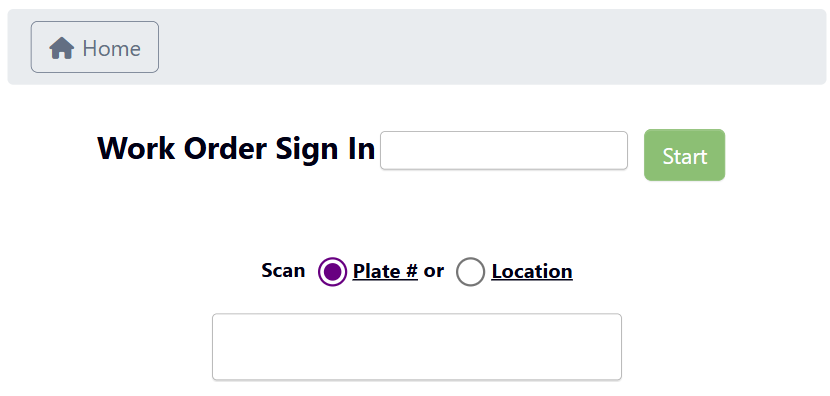
The Work Order MH (Material Handling) feature lets you attach material handling activities to a specific work order. ClickWork Order MH and sign in a specific Work Order ID to get started. Then you can follow all the normal Material Handling steps, but they will be logged under that specific Work Order.
Lookups
You can perform aPart Lookup, Location Lookup, or Bottling Lookup to pull up all inventory information for a specific part/location/bottling job, then manage inventory through the Material Handling feature.
Learn how to lookup parts and locations with Tutorial: Lookup a Part or Location.
Replenishments
The Replenishments features let you restock and manage materials across warehouse and SPD areas.-
Replenishment: Click
Replenishment, select a location and area, then generate a report filtered by overstock, dedicated bins only, or available-to-move inventory. From here, you can manage license plate quantities to keep pick locations stocked.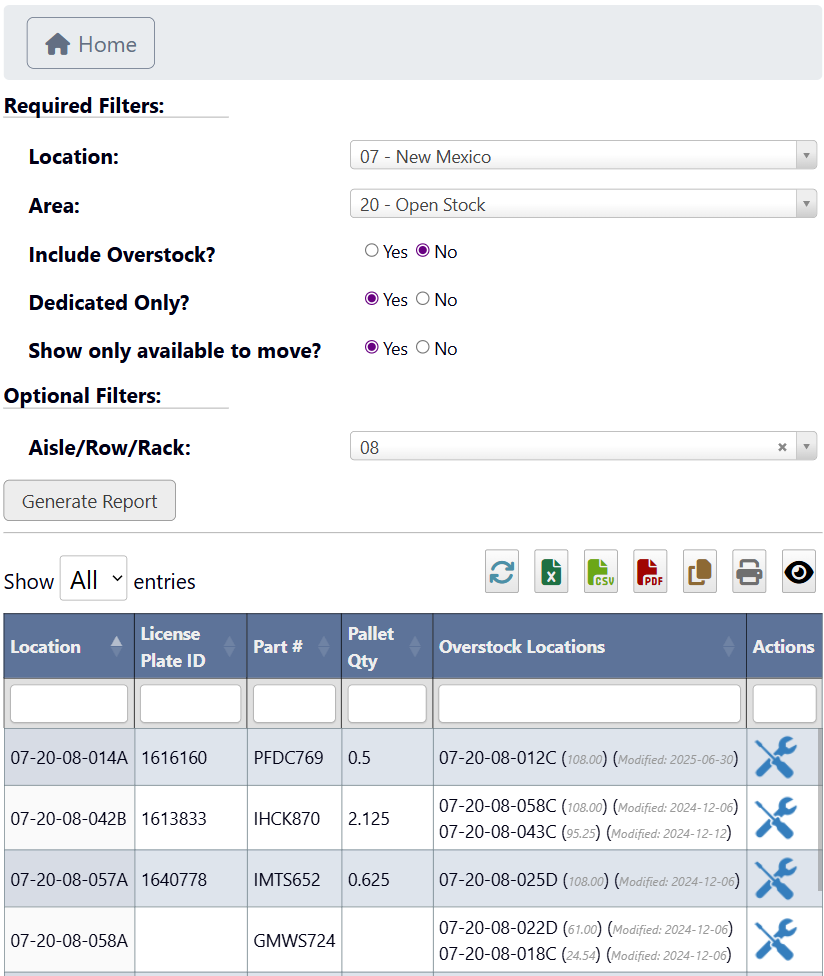
- Learn how to use the Replenishment feature with Tutorial: Replenish Inventory.
-
Replenish SPD: Click
Replenish SPDto replenish inventory listed under Small Packet Delivery (SPD).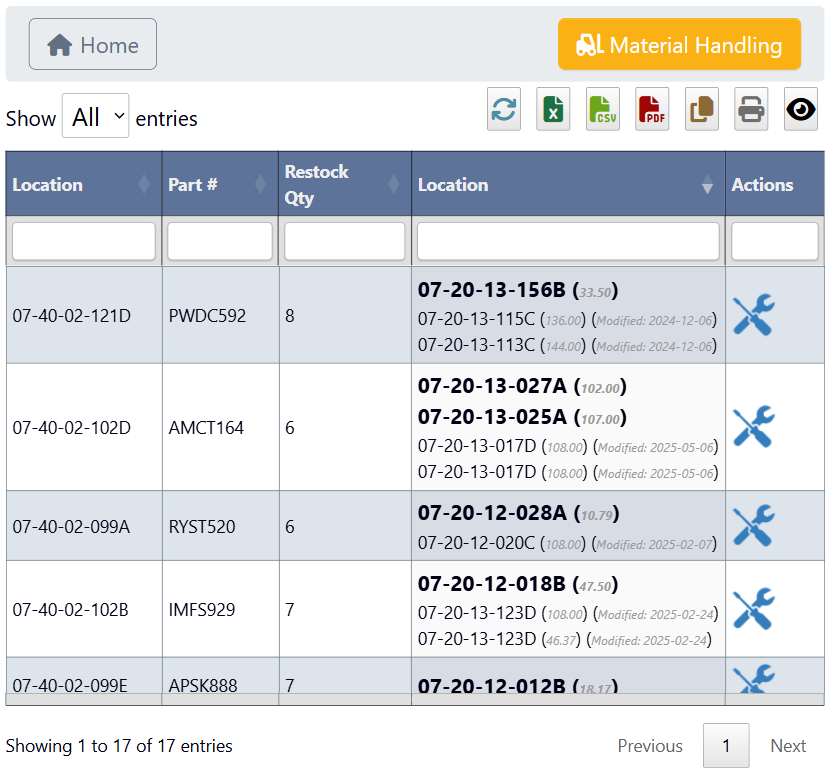
QC Orders
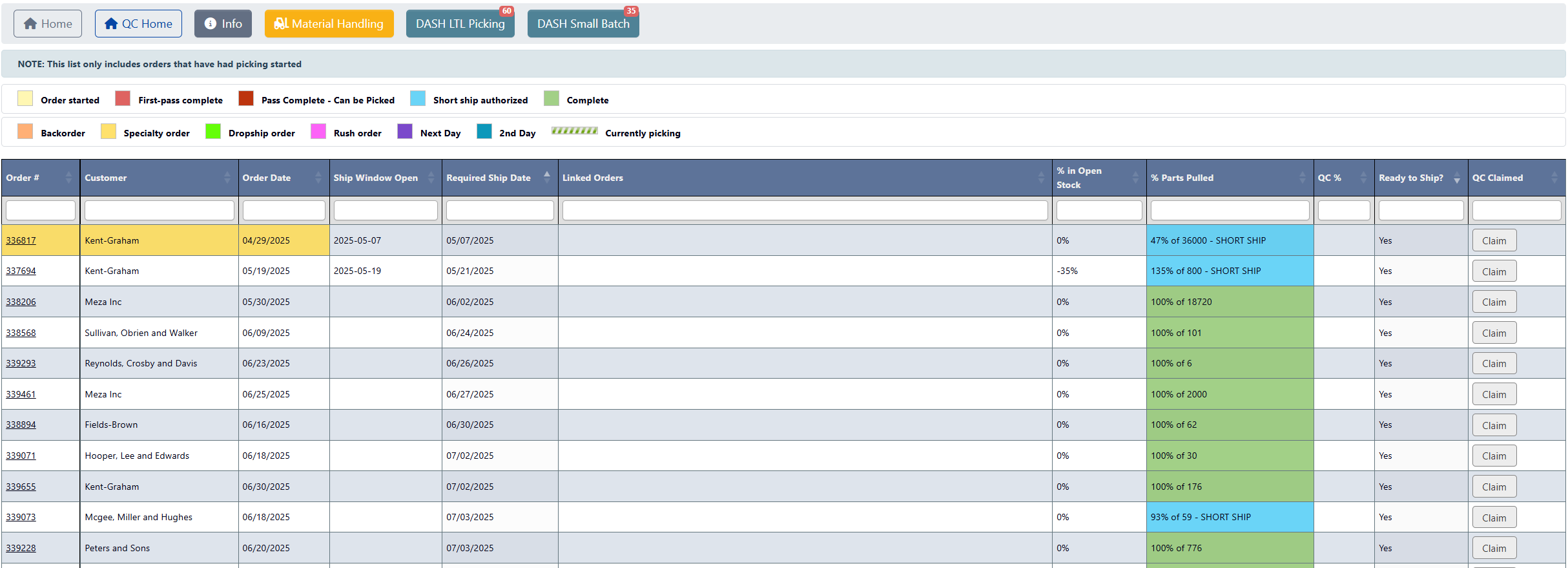
The QC (Quality Control) Orders feature lets you review and process quality control orders tied to inventory. ClickQC Orders to view all orders that have had picking started, view their status, and take actions such as pick new orders or manage license plates.