Overview
The Production Tracking → Dashboard submodule provides real-time visibility into your manufacturing operations, displaying live status information for all production lines in an easy-to-read card format. The dashboard displays production lines as individual cards, each showing comprehensive information about the current state of operations. This centralized view allows production managers and operators to quickly assess line performance, identify issues, and make informed decisions.What You Can Do
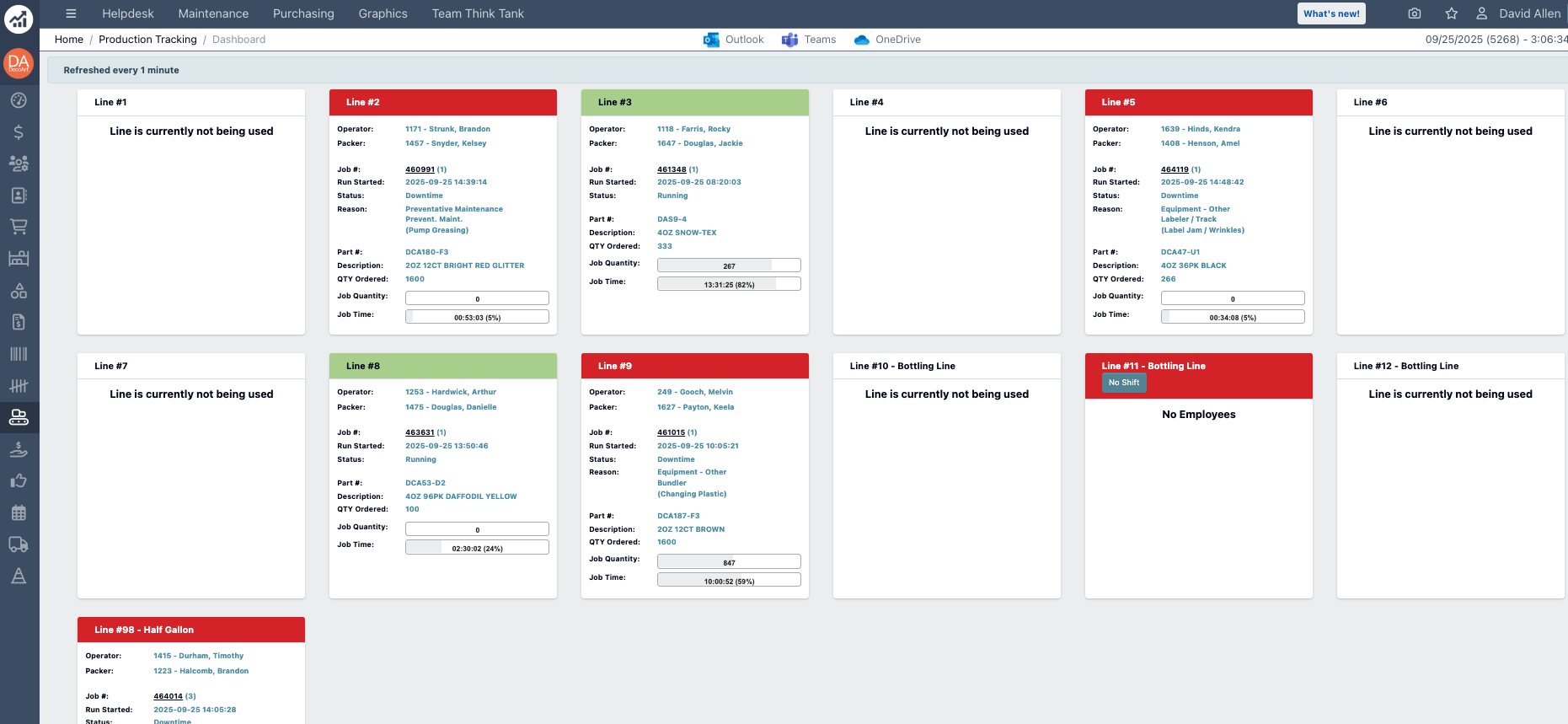
- Monitor real-time status of all production lines
- View current operators and packers assigned to each line
- Track job progress and quantities
- Identify lines that need attention based on color-coded status indicators
- Access detailed information about current production runs
Line Status Cards
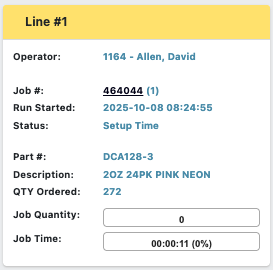
Each production line is represented by a card containing the following information:Header Information
- Line #: The production line identifier.
- Status Color Indicators:
-
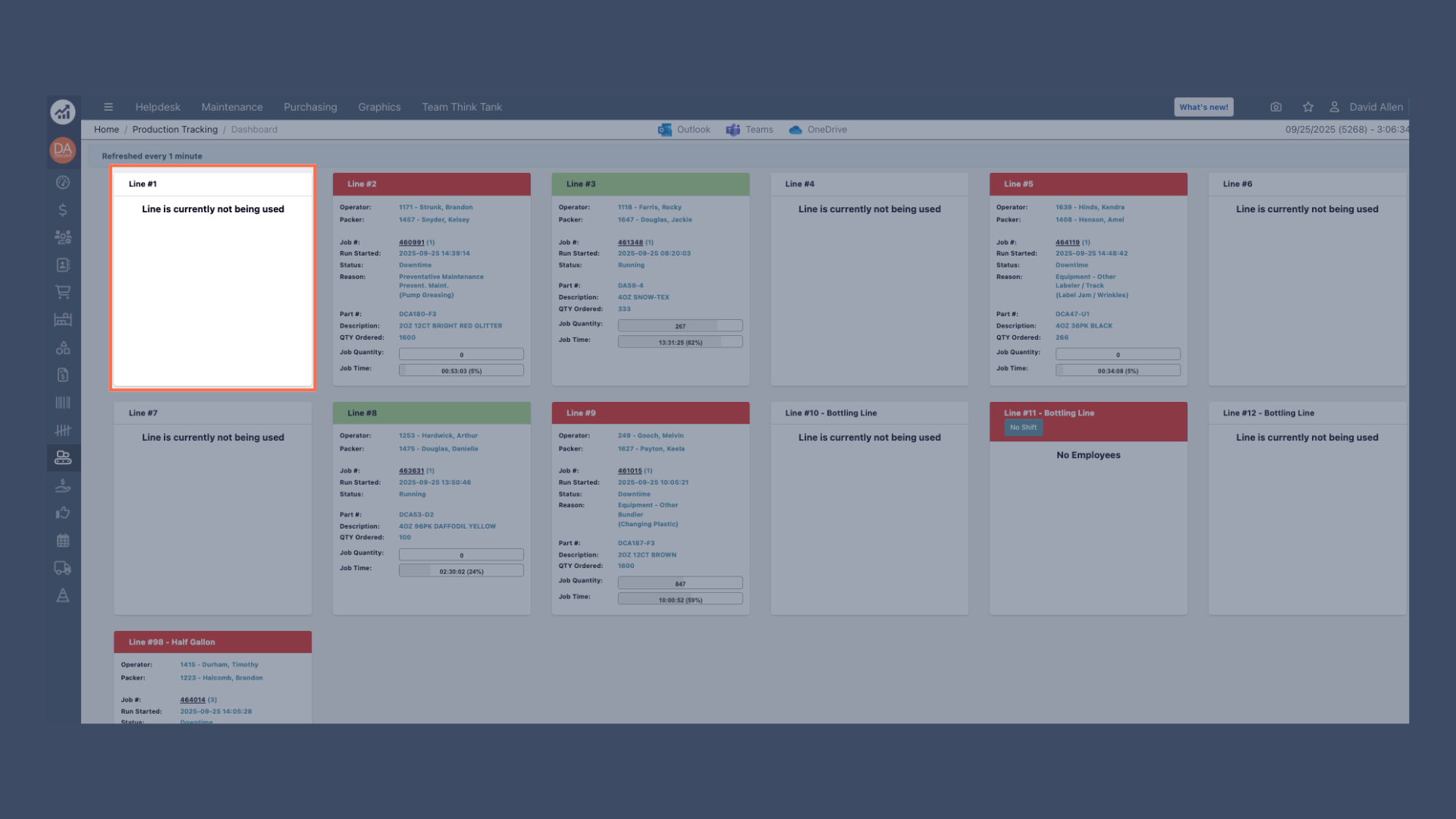
White: Line is currently not being used.
-
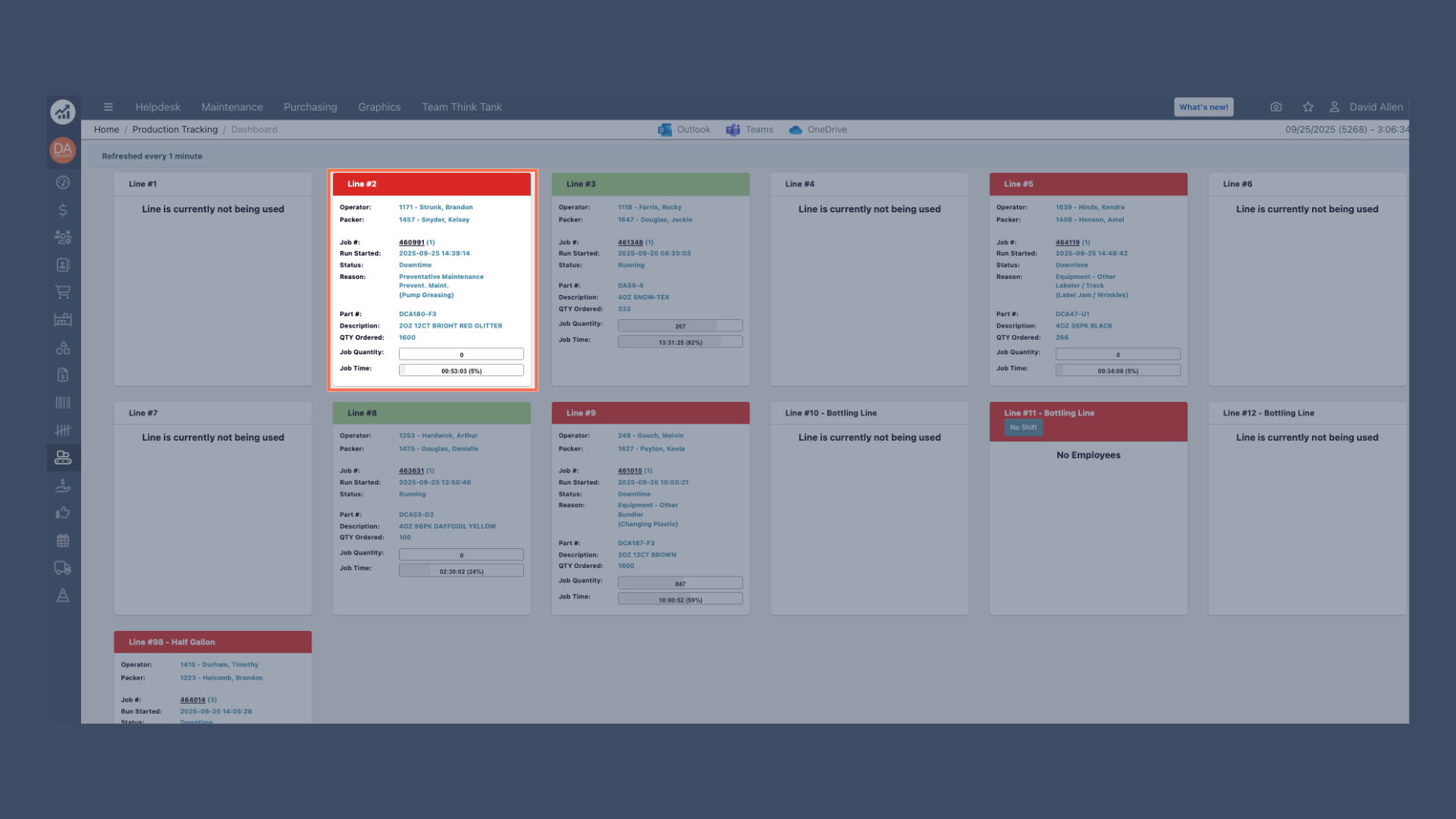
Red: Line has an issue or is experiencing downtime.
-
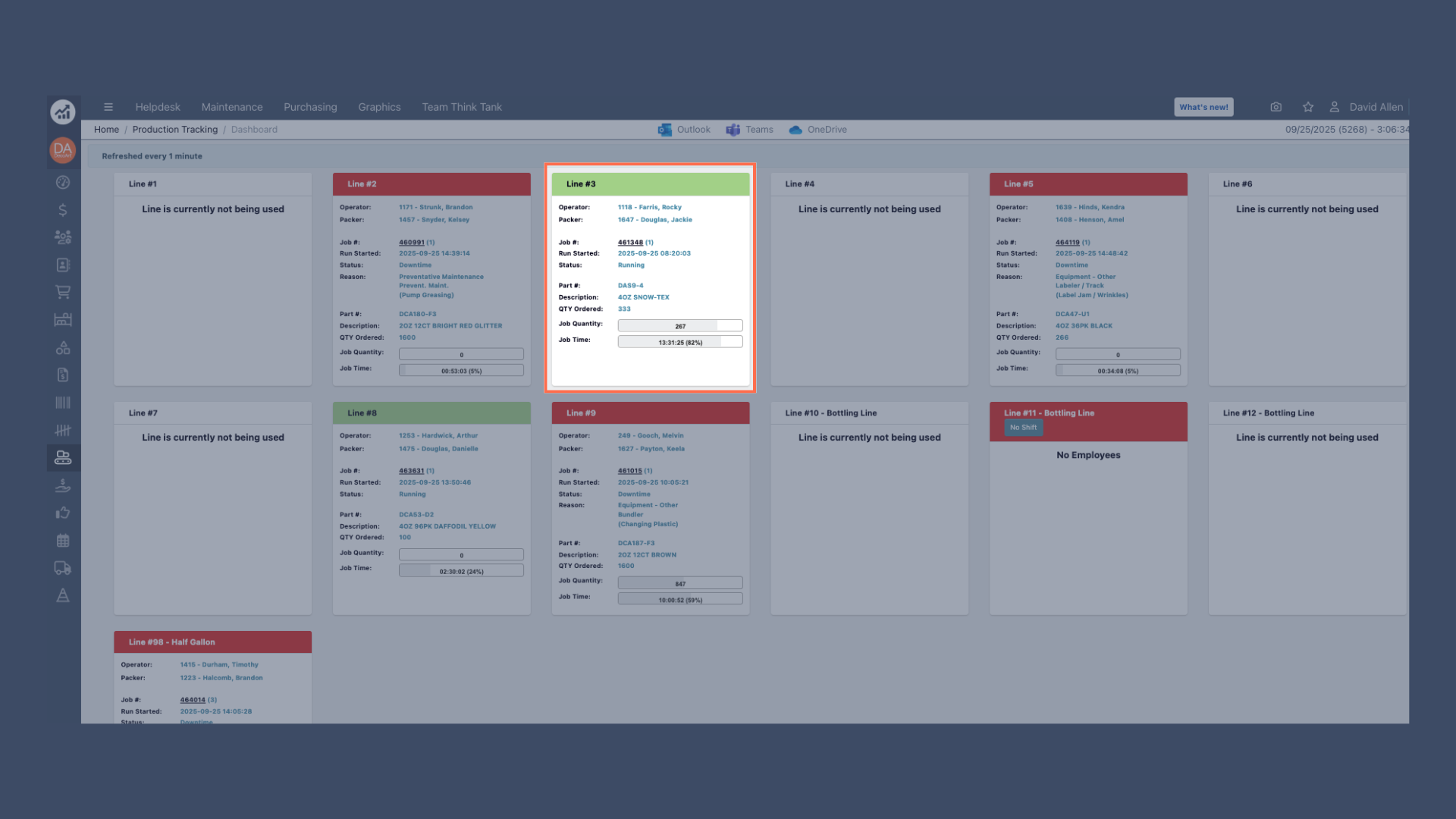
Green: Line is running normally.
-
Yellow: Line is in set up mode.
-
White: Line is currently not being used.
Personnel Information
- Operator: Name of the current line operator.
- Packer: Name of the current packer assigned to the line.
Job Details
- Job #: Current production job identifier.
- Run Started: Date and time when the current run began.
- Status: Current operational status of the line.
- Reason: Additional context for the current status (especially for downtime).
Production Information
- Part #: Part number being produced.
- Description: Product description.
- QTY Ordered: Total quantity ordered for this job.
- Job Quantity: Quantity assigned to this specific job.
- Job Time: Time allocated or elapsed for the current job.