Overview
The Part Information → Manage MSDS Sheets submodule is where you can create, view, and manage Material Safety Data Sheets (MSDS) for both raw materials and finished products. This module serves as a centralized repository for all safety documentation required for regulatory compliance and customer requirements. MSDS sheets are critical for:- Regulatory Compliance: Meeting OSHA, EPA, and international safety requirements
- Customer Documentation: Providing safety information when requested by customers
- Internal Safety: Ensuring proper handling and storage procedures for materials
- Toxicology Reviews: Supporting compliance specialist work for product approvals
What You Can Do
Depending on your role and permissions, you may not see all of these tabs or have access to all functionality.
All MSDS Sheets
A comprehensive view of all existing Material Safety Data Sheets in the system, both for raw materials and finished products.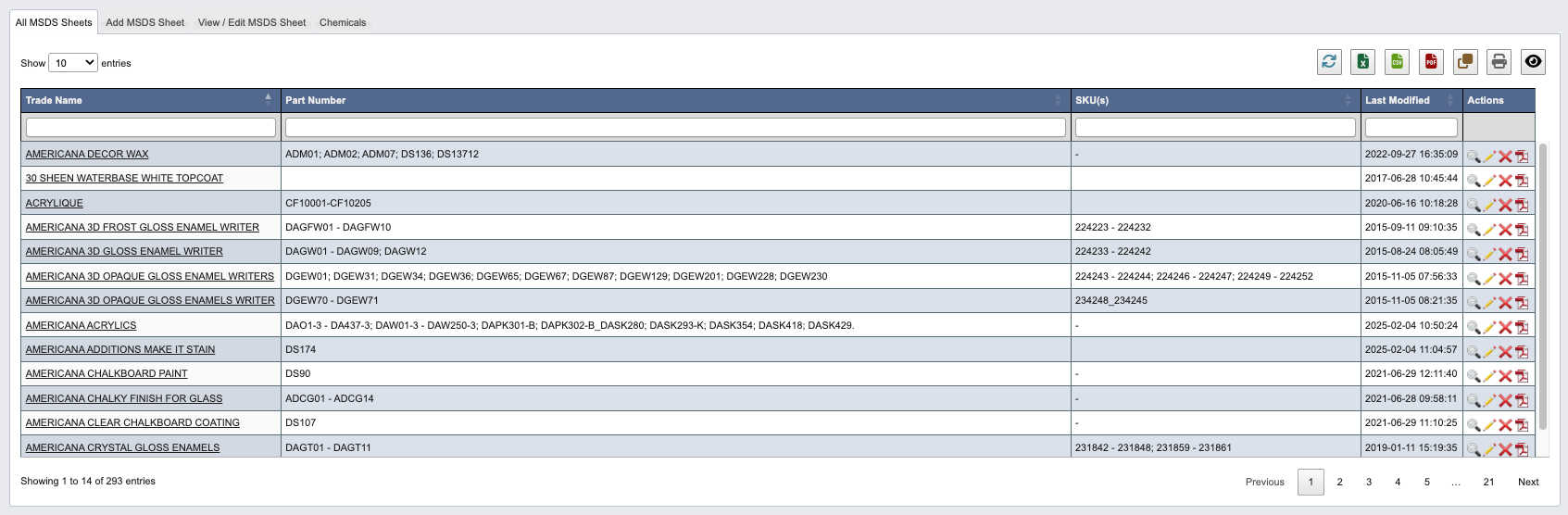
Add MSDS Sheet
Create new Material Safety Data Sheets (MSDS) for products using an integrated template system.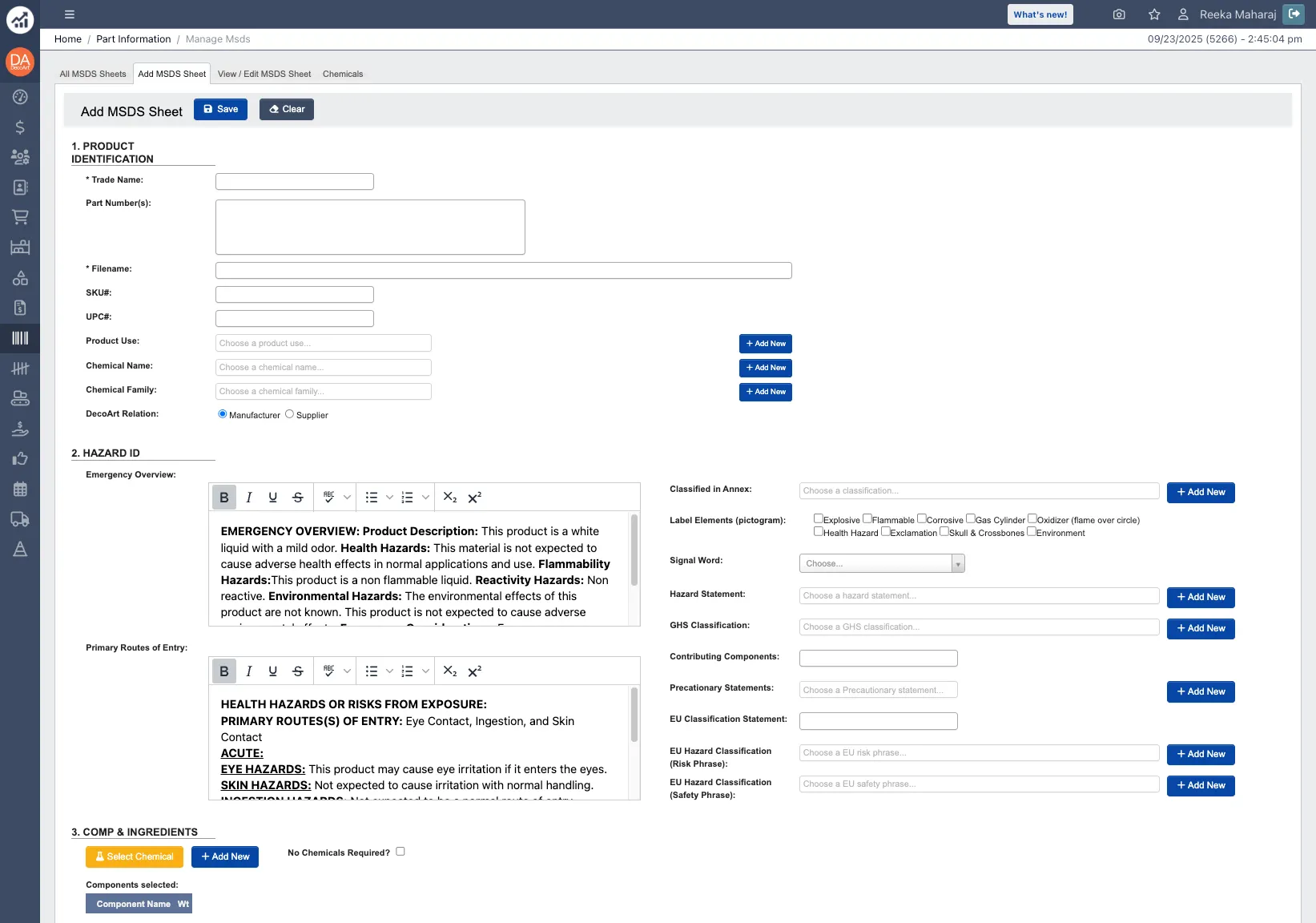
- Enter trade names and part numbers.
- Select from existing chemical databases.
- Choose appropriate hazard pictograms and statements.
- Add composition and ingredient information.
- Customize safety instructions and handling procedures.
- Pre-saved chemical information for commonly used materials.
- Automatic text generation based on selected hazard categories.
- Integration with existing part information database.
- Standardized formatting for consistency.
View / Edit MSDS Sheet
Access and modify existing Material Safety Data Sheets with full editing capabilities.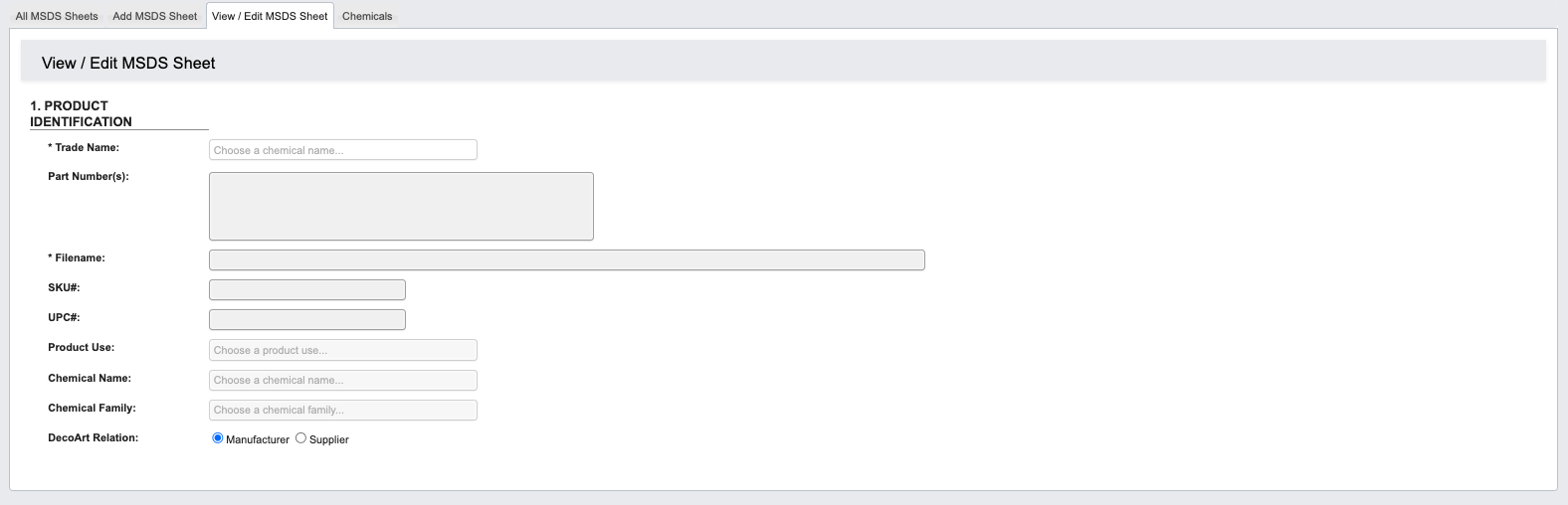
- Display complete MSDS information in standard format
- Show current warnings, hazard statements, and safety instructions
- Access composition and ingredient details
- Review handling and storage requirements
- Copy Existing Sheets: Duplicate similar products as starting points for new MSDS creation
- Update Information: Modify hazard statements, composition percentages, or safety instructions
- Version Control: Maintain historical versions while creating updated sheets
- Generate PDFs: Create printable versions for distribution or regulatory submission
Chemicals
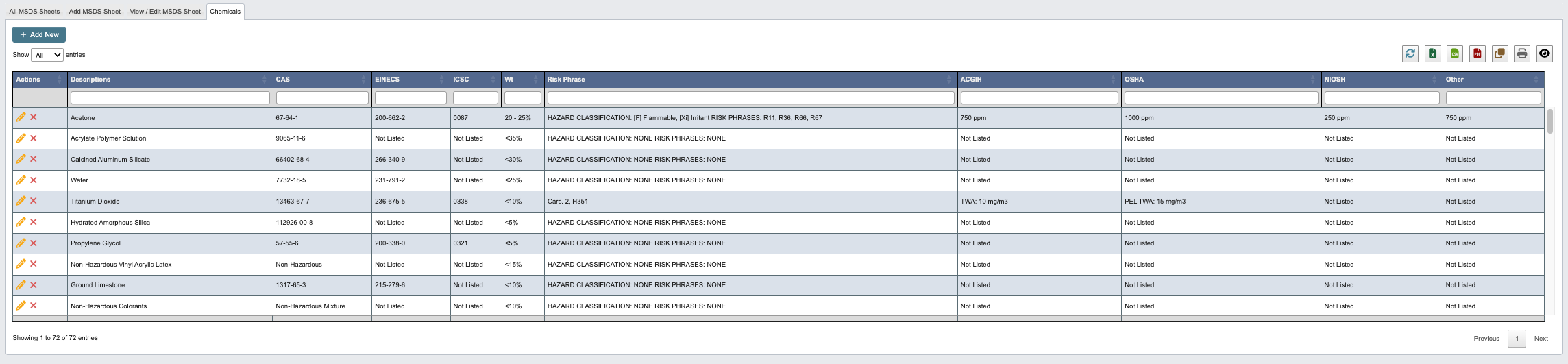
Manage the database of individual chemical components used in MSDS sheet creation. This section contains:- Chemical Database: Pre-saved information for commonly used raw materials
- CAS Numbers: Chemical Abstract Service identifiers for regulatory compliance
- Hazard Classifications: Physical hazards, health hazards, and environmental risks
- Risk Phrases: Standardized safety warnings and precautionary statements
-
Regulatory Information: Prop 65, REACH, and other compliance data
- Click
+ Add New. - Enter a description, risk phase and hazard information and any other regulatory information.
- When you have filled in all Chemical details, click:
Save and add anotherto add another chemical.Saveto save the details and go back to the chemical table.Cancelto close the window and take you back to the chemical table.